Generate Inspection Instructions for the Entire Inspection Plan Using Inspectly
Generate inspection instructions for the entire inspection plan using Inspectly to streamline quality control, reduce errors, and improve PPAP readiness efficiently.
Generate inspection instructions for the entire inspection plan using Inspectly to streamline quality control, reduce errors, and improve PPAP readiness efficiently.
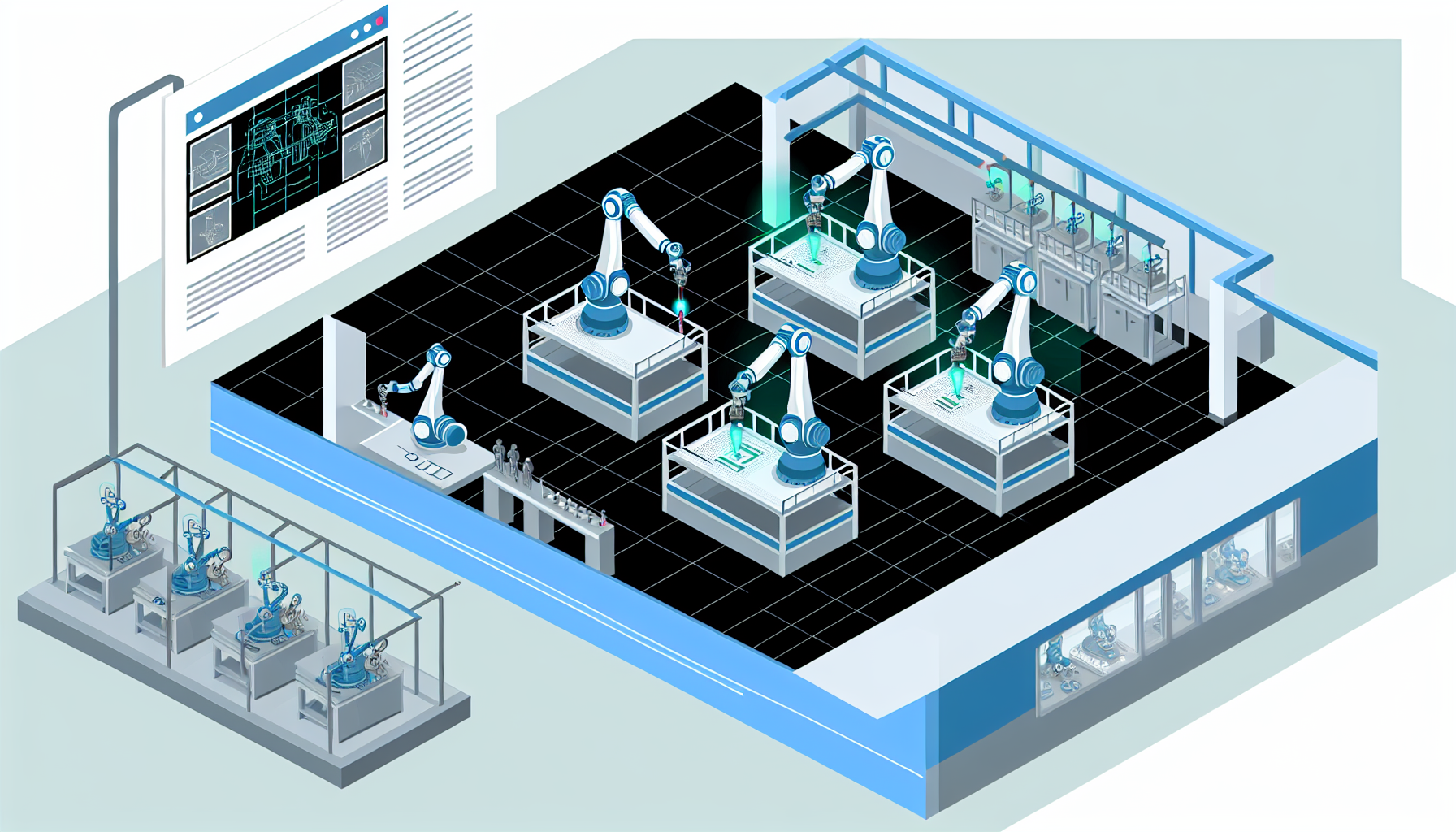
Generate Inspection Instructions for the Entire Inspection Plan Using Inspectly
Manufacturers often face significant challenges creating consistent and clear inspection instructions, especially during the First Article Inspection (FAI) process. Manual and inconsistent documentation can lead to inspection errors, delayed approvals, and costly line stoppages disrupting production flow. Generating standardized inspection instructions from engineering drawings is a critical step toward improving quality assurance and maintaining smooth operations.
Inspectly offers a powerful solution by converting CAD inspection plans directly into standardized inspection instructions, automating what has traditionally been a manual, error-prone task. This how-to guide will walk you through understanding CAD inspection plans, generating instructions with Inspectly, and realizing operational benefits such as reduced expediting and improved Production Part Approval Process (PPAP) readiness.
What Is a CAD Inspection Plan and Why Is It Important?
A CAD inspection plan is a detailed blueprint outlining parameters and measurements necessary to verify a manufactured part against its engineering design. It includes critical dimensions, tolerances, and inspection points derived directly from the CAD model or drawing. The inspection plan serves as the foundation for quality control activities, especially during the FAI process, where the first batch of parts is verified for compliance before full-scale production begins.
Without a standardized CAD inspection plan, inspection activities can become inconsistent, with different operators interpreting drawings in varied ways. This inconsistency leads to:
- Inspection errors: Missing or incorrectly measuring key features.
- Delays in approval: Rework and clarifications slow down the FAI process.
- Increased expediting costs: Urgent fixes and additional inspections add overhead.
- Line stoppages: Defects slipping through can cause production halts affecting WIP buffers and Kanban flow.
For example, a plant manager at an automotive supplier reported that manual inspection plans led to a 15% increase in rework during PPAP submissions. This directly impacted their ability to maintain buffer inventory and meet expediting deadlines.
A well-defined CAD inspection plan is essential because it:
- Establishes a clear, repeatable process for inspection teams.
- Serves as a single source of truth aligned with engineering specifications.
- Supports compliance with industry standards and customer requirements.
- Enables smooth integration with quality systems and manufacturing workflows.
Using Inspectly to extract and standardize inspection instructions from CAD inspection plans ensures every dimension and feature is accounted for accurately and consistently, minimizing risk during the FAI process.
Defining Activities Throughout the First Article Inspection (FAI) Process
The FAI process is a critical checkpoint in the manufacturing lifecycle where the first production parts are rigorously inspected to verify that all engineering and manufacturing requirements have been correctly implemented. The process includes several defined activities:
1. Preparation of the Inspection Plan Identify features and dimensions to inspect, set acceptance criteria, and define measurement methods. Traditionally, this is done manually by quality engineers referencing CAD drawings.
2. Measurement and Data Collection Operators or inspectors use calibrated measurement tools to record actual part dimensions precisely to detect deviations early.
3. Data Analysis and Reporting Compare collected measurements against tolerances defined in the CAD inspection plan. Document and communicate any out-of-spec features for corrective action.
4. Approval or Rework Approve parts that pass inspection for full production; initiate corrective actions if not, including engineering changes or process adjustments.
5. Documentation and Storage Archive inspection results and reports for traceability and PPAP submissions.
Each activity in the FAI process requires clear, detailed inspection instructions to avoid ambiguity. Without clear instructions, inspectors might measure features incorrectly or skip critical dimensions, leading to late discovery of nonconformities.
Inspectly automates the creation of these inspection instructions by converting the CAD inspection plan into a comprehensive, standardized document that guides each activity from preparation through documentation. This automation reduces manual errors and cuts preparation time by up to 40%, according to user feedback.
Additionally, by streamlining the FAI process, Inspectly helps quality managers maintain buffer stock levels in their Kanban systems without compromising quality, avoiding unnecessary expediting that can disrupt WIP flow.
How Inspectly Converts Engineering Drawings into Standardized Inspection Instructions
Inspectly bridges the gap between engineering design and quality inspection by automatically generating inspection instructions from CAD drawings. Here's how the process works:
1. Import CAD Drawings Inspectly accepts various CAD file formats, extracting all relevant geometric and dimensional data embedded in the drawing.
2. Feature Recognition and Standardization The software identifies critical features such as holes, slots, chamfers, and surfaces, interpreting tolerances and annotations. It then standardizes these features according to inspection best practices.
3. Generation of Inspection Steps and Instructions Based on recognized features, Inspectly creates step-by-step inspection instructions detailing what to measure, how to measure it, and acceptable tolerance ranges.
4. Integration with Inspection Devices and Systems These instructions can be exported to various quality management or inspection execution systems, ensuring inspectors follow a consistent and validated process.
For instance, a quality manager in aerospace manufacturing reported that Inspectly reduced inspection instruction creation time from several days to under two hours per inspection plan. This time saving contributed to faster FAI cycles and better PPAP readiness.
Inspectly’s automation ensures inspection instructions are:
- Complete: No critical features are missed.
- Clear: Instructions are unambiguous and standardized.
- Traceable: Each instruction links back to the original CAD feature for audit purposes.
- Consistent: Uniform instructions across shifts and sites reduce variability.
By eliminating manual interpretation, Inspectly reduces the risk of inspection errors that often lead to costly expediting and line stoppages. It also supports quality managers in maintaining robust documentation required for PPAP submissions, ensuring compliance with customer and regulatory demands.
Best Practices for Generating Inspection Instructions Using Inspectly
To maximize the benefits of Inspectly in generating inspection instructions for your entire inspection plan, consider the following best practices:
1. Start With Clean, Up-to-Date CAD Drawings
Ensure engineering drawings are finalized and approved before importing into Inspectly. Changes after instruction generation can cause discrepancies.
2. Define Inspection Priorities Aligned With Production Buffers
Identify critical-to-quality features impacting Kanban buffers and WIP flow. Prioritize these features in inspection instructions to prevent line stoppages caused by defective parts.
3. Customize Inspection Templates For Your Processes
Inspectly allows configuration of inspection templates tailored to your plant’s equipment and methods. Customize templates to include preferred measurement tools or techniques to streamline execution.
4. Validate Generated Instructions With Cross-Functional Teams
Engage operators, quality engineers, and plant managers in reviewing instructions. Collaborative validation ensures instructions are practical and comprehensive.
5. Integrate Inspection Instructions Into Your Quality Workflow
Export instructions seamlessly into inspection execution systems or paper-based workflows. Use Inspectly’s traceability features to link inspection results back to specific instructions and CAD features.
6. Use Inspection Data To Improve PPAP and Reduce Expediting
Leverage consistent inspection instructions to generate reliable data sets for PPAP submissions. This supports early detection of quality issues, reducing costly expediting activities.
Manufacturers following these best practices have reported:
- Up to 30% reduction in inspection cycle times.
- Fewer inspection errors leading to smoother WIP buffer turnover.
- Improved PPAP submission success rates through complete and accurate documentation.
Inspectly becomes not just a tool for instruction generation but a catalyst for improving overall inspection quality and manufacturing flow.
Measuring the Impact: Improved Inspection Efficiency and Quality Compliance
Implementing Inspectly to generate inspection instructions has measurable impacts on manufacturing operations, particularly inspection efficiency and quality compliance.
Inspection Efficiency
Automating instruction generation reduces preparation time by 35-40%, enabling quality teams to focus more on inspection and analysis rather than document creation.
Clearer, standardized instructions result in fewer inspection errors and re-measurements. For example, a plant manager noted a 20% reduction in inspection-related rework after adopting Inspectly, improving throughput and maintaining buffer stocks without disruptions.
Quality Compliance and PPAP Readiness
Consistent inspection instructions improve traceability and documentation quality, essential for PPAP submissions. This reduces risk of customer rejection and line stoppages due to quality issues.
One supplier reduced PPAP submission time by 25% and improved first-time approval rates by standardizing inspection instructions with Inspectly. This lowered the need for expediting production runs to meet delivery deadlines.
Operational Benefits
- Reduced Expediting: Fewer inspection errors and smoother FAI cycles decrease urgency to expedite parts, stabilizing WIP buffers and Kanban signals.
- Avoided Line Stoppages: Early detection of quality issues through precise inspection instructions prevents defective parts from reaching assembly lines, maintaining continuous production flow.
Together, these benefits translate into cost savings, improved customer satisfaction, and a more predictable manufacturing environment.
Request a demo of Inspectly to see how easily you can generate complete inspection instructions from your CAD drawings today. Experience firsthand how automation and standardization elevate your inspection process, reduce expediting, and boost PPAP readiness.
FAQ
Q1: What types of CAD files does Inspectly support for generating inspection instructions? A: Inspectly supports a variety of common CAD formats including STEP, IGES, and native formats from major CAD systems, ensuring seamless integration with most engineering workflows.
Q2: Can Inspectly handle complex geometries and multiple feature types in one inspection plan? A: Yes, Inspectly recognizes and standardizes multiple feature types within a single drawing, including holes, slots, surfaces, and chamfers, generating comprehensive instructions.
Q3: How does Inspectly improve PPAP readiness? A: By automating creation of standardized, traceable inspection instructions linked directly to CAD features, Inspectly ensures complete and accurate documentation critical for rapid, successful PPAP submissions.
Q4: Does Inspectly integrate with existing quality management or inspection execution systems? A: Inspectly exports instructions in various formats compatible with many quality and measurement systems, facilitating smooth integration into current inspection workflows.
Q5: How does generating inspection instructions with Inspectly impact production line flow? A: Clear, consistent instructions reduce inspection errors and rework, minimizing expediting needs and preventing line stoppages. This stability supports effective WIP buffer management and Kanban flow, enhancing operational efficiency.
For more insights on optimizing manufacturing operations, explore our related articles:
- How AI Streamlines Kanban Buffers for Manufacturing Efficiency
- Using Inspectly to Improve PPAP Compliance
- Reducing Line Stoppages with Predictive Stockout Risk
Related Articles
How to plan the FAI process step by step
How to plan the FAI process step by step with clear documentation, ballooning, task assignment, and PPAP alignment for manufacturing quality teams.
Lean inventory management that actually works
Lean inventory management that actually works: practical strategies for manufacturers to reduce waste, optimize reorder points, leverage supplier signals, and control stock effectively.
How to build a QC inspection plan
How to build a QC inspection plan for high-mix, low-volume manufacturing with checkpoints, sampling, roles, and revision control to ensure quality and reduce defects.